PR3XTRA SoundFX USB Decoder Programmer
This product has been replaced by the USB to LocoNet Interface with Decoder Programmer (PR4) and is no longer available. Click here to view the PR4.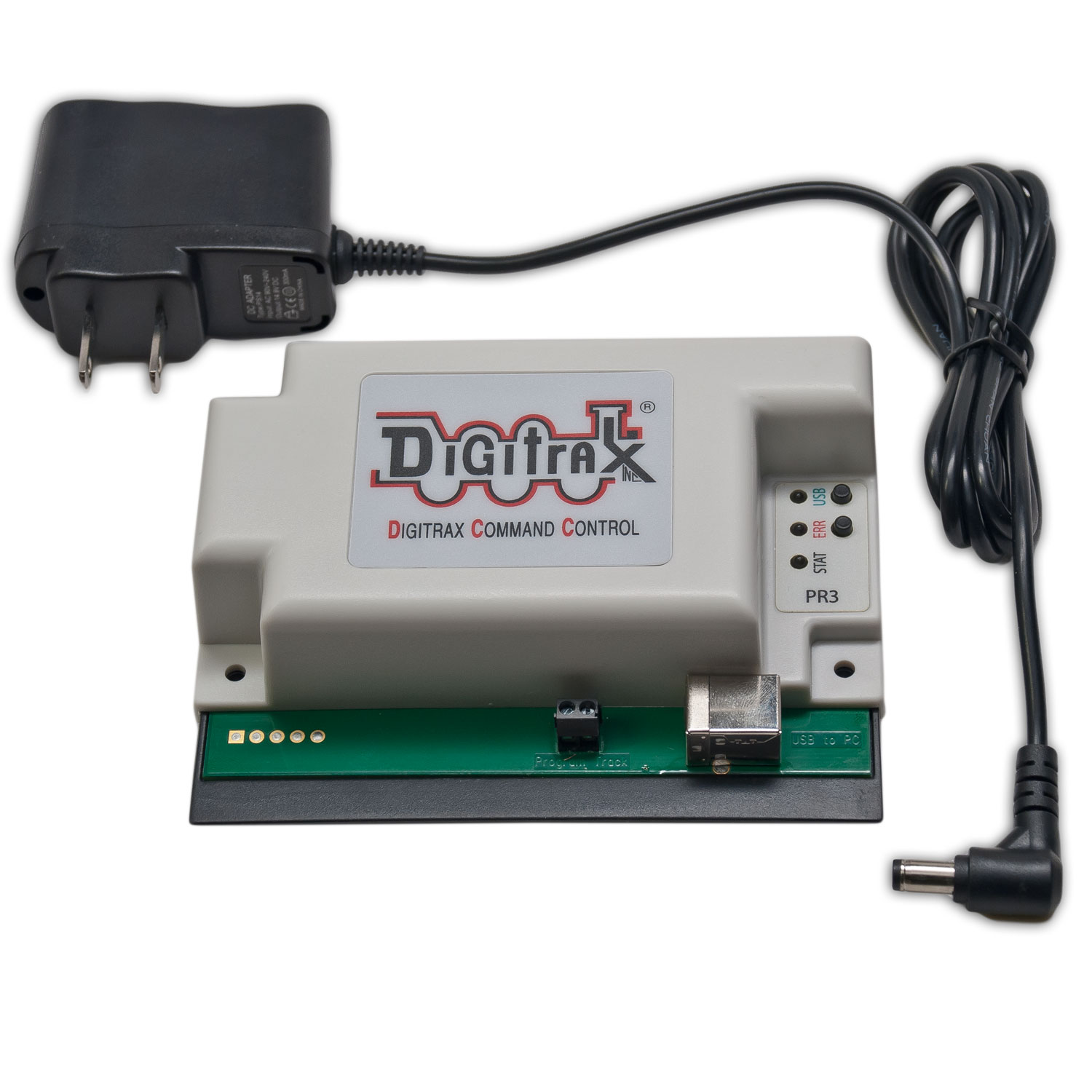
The PR3 Xtra lets SoundFX users download new Project sound files and even reflash the sound decoder's firmware for latest updates.
It also acts as a computer interface and LocoNet Translator for your PC.
The PR3 Xtra is the most economical computer Interface we offer, it has all the functionality of a PR2 and a MS100 combined in one.
It functions on the USB 2.0 interface making it easier to connect and more friendly to newer PCs.
PR3 Xtra Features
-
Multifunction USB 2.0 PC connectivity for your railroad
-
Digitrax SoundLoader compatible. Programs Digitrax sound projects in to SFX decoders
-
Programs CVs for most DCC decoders
-
LocoNet MS100 mode with Fully Buffered Input and Output data
-
Runs on Windows XP, Vista, 2000, 7, 8, and 10.
-
Runs on Mac OS with JMRI
-
No external power needed for MS100 mode
-
For Stand Alone Programming Mode the included external power supply is required
-
Automatic configuration. No jumpers or switches required. Configurations can be set by software or manually
-
Selectable LocoNet termination. For standalone operation without a Command Station
-
LED status indicator lights
-
Small, convenient package
-
Firmware updates available on this page
-
Meets FCC Class B requirements
Using the PR3 Xtra Programmer and SoundLoader software:
-
You can substitute different .wav files into a sound project file (.spj) or you can start from scratch and build your own sound project.
-
You can download sound projects from the Digitrax Sound Depot web site www.digitrax.com/sounddepot
-
You can upload sound projects you have created to share with others, too!
-
We encourage sound project file sharing among hobbyists
-
You can download a sound project into your Digitrax SoundFX decoder equipped locomotive
-
You can try out sound projects downloaded to your locomotives on the programming track without having to run it around the layout
Digitrax PR3 Xtra Programmer comes with:
-
PR3 Xtra
-
Instruction sheet
-
USB Cable
- PS14 power supply
In addition, you’ll need:
-
A Computer running Windows/Mac OS with SoundLoader or equivalent program running
-
An isolated programming track section
Specifications
- Warranty
- No Worries Warranty (read more)

Digitrax gives a one year "No Worries" Warranty against manufacturing defects and accidental customer damage
on all Digitrax command stations, boosters, throttles, decoders, power supplies and layout control devices.
That's it! A simple, straightforward warranty with no tricky language!
Repairs are simple, too! Just fill out the form and return your items directly to Digitrax for repair. We'll get them fixed up and return them to you as quickly as possible. Please DO NOT return items for repair to the place of purchase.
Make Sure Your Item Needs To Be Repaired Before Sending It To Us! Many of the units we receive for repair do not need any repairs at all. Before you send any units for repair, please take a few minutes to review our Support Options.
1. Check the Tech Support Depot for help. Search for troubleshooting guides.
2. Click here to send Digitrax Tech Support a message.
Please give your name, e-mail address, phone number and when is the best time to contact you. Please give a complete description of the issue you are having.
Many problems are easily resolved by contacting Digitrax Tech Support without having to send in your unit.
Note: Some Digitrax products are no longer repairable due to unavailability of repair parts. Un-repairable items will be returned to you at no charge with no repairs made.
Please Note: Most of our products are not user serviceable. If a defect or accidental damage occurs, return the unit directly to Digitrax for service. Please do not open the Command Station/Boosters (except for making voltage adjustments or changing batteries per the manuals). Please do not remove the shrink wrap protective sleeves from the Digitrax decoders. Shrink may be peeled back to expose pads for adding function wires.
Accessory items that are not covered under the No Worries Warranty carry a 90 day warranty against defects in materials and workmanship. This includes speakers, wire, cables, battery covers, etc.
Intentional damage and customer modifications outside the scope of instructions provided with the product are not covered by this warranty.
Do NOT send a locomotive with your decoder. If a locomotive is sent to Digitrax, Digitrax will ship the entire package back, unrepaired.